How Much Is Your Tool Stack Costing You?
TL;DR
Running separate tools for project management, HR, time tracking, e-signing, and invoicing can cost a 50-person team USD 3,000 to USD 5,000 per month or more in subscription fees alone, before the added cost of managing disconnected systems is considered. Skapp brings all of these functions into one platform starting at USD 5 per user per month on the Core plan, with a free plan available for teams of up to 10 users. For businesses looking to reduce software spend without sacrificing operational coverage, running everything from one place is worth a serious look.
Most businesses do not intentionally set out to build a complicated software stack. It happens gradually. A team adopts a project management tool here, a leave management system there, a time tracker for billing, an e-signature tool for contracts, and an accounting platform for invoicing. Each decision makes sense on its own. But the costs add up quickly, and managing several disconnected tools creates its own overhead that rarely appears on any single invoice.
This article looks at what a typical business tool stack actually costs, where those costs accumulate, and how consolidating into a single platform changes the picture.
The True Cost of a Typical Tool Stack
To understand the problem, it helps to look at what businesses commonly pay for each operational category. The numbers below reflect standard paid plans based on published pricing across widely used tools.
Project and Task Management
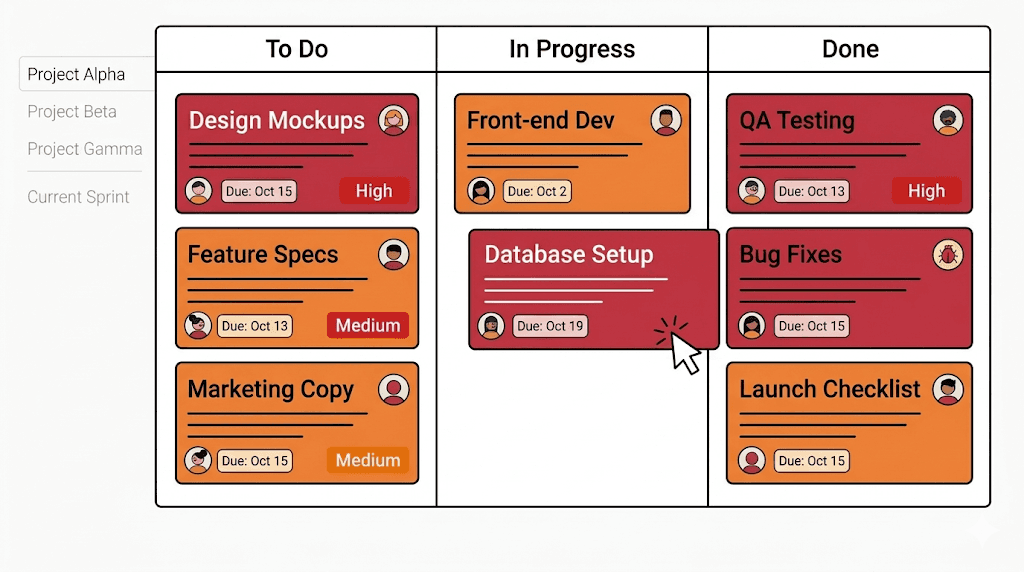
Project management is often the first tool a team adopts, and there are plenty of options at various price points. Trello's Standard plan costs USD 5 per user per month, making it one of the more affordable options in the category, though it is limited to basic Kanban-based task tracking with no native time tracking or resource management. Jira's Standard plan runs around USD 7.91 per user per month, with the Premium plan at USD 14.54 per user per month, designed primarily for software and technical teams running agile workflows. ClickUp's Unlimited plan starts at USD 7 per user per month, with the Business plan at USD 12 per user per month. However, the number of features and configuration options can make the initial setup more time-consuming than most smaller teams expect.
For a team of 50, even the most affordable of these tools adds up to USD 250 to USD 600 per month for project management alone, before any integrations or add-ons are factored in.
HR and People Management
HR software tends to be one of the more expensive categories, partly because of the breadth of functions it covers and partly because pricing models are often opaque. BambooHR, one of the most widely used HR platforms for small and mid-sized businesses, operates on a per-employee pricing model with costs typically ranging from USD 10 to USD 17 per employee per month depending on the plan and features selected. Importantly, functions like time tracking, performance management, and payroll are often charged as separate add-ons on top of the base plan, meaning the final bill is rarely what it appears at first glance.
For a 50 person team, BambooHR can cost USD 600 to USD 1,100 per month or more before those add-ons.

Document Signing
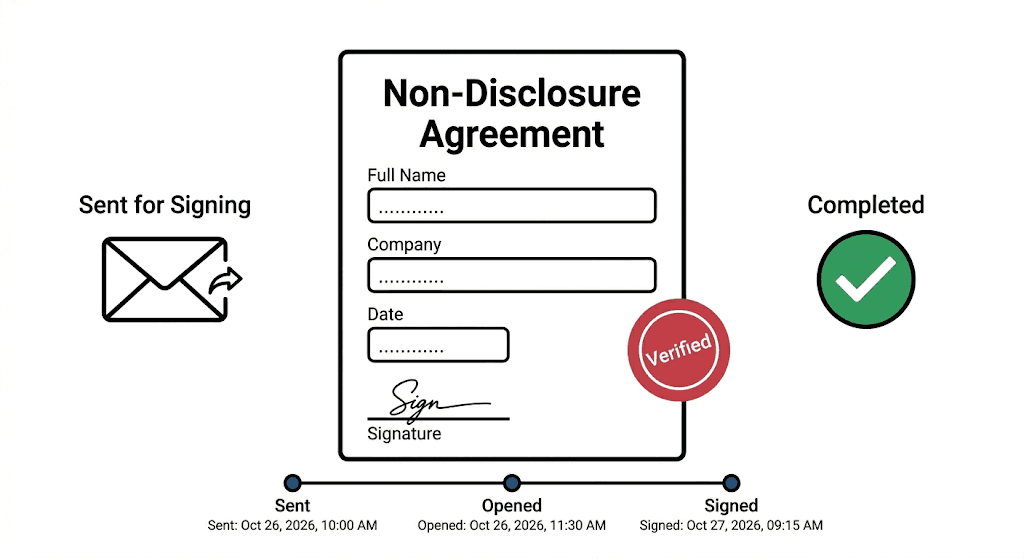
Document signing is a function that touches HR, legal, sales, and operations, and standalone e-signature platforms price accordingly. DocuSign's Personal plan starts at USD 10 per user per month but limits users to five document envelopes per month, which is far too restrictive for most business teams. The Standard plan costs USD 25 per user per month and includes up to 100 envelopes per user per year, while the Business Pro plan sits at USD 42 per user per month and adds features like SMS authentication and advanced workflow options. Identity verification and other advanced compliance features are charged additionally on top of all plans.
For a team of 50 on the Standard plan, that is USD 1,200 per month for a tool that does nothing other than document signing.
Time Tracking and Billing
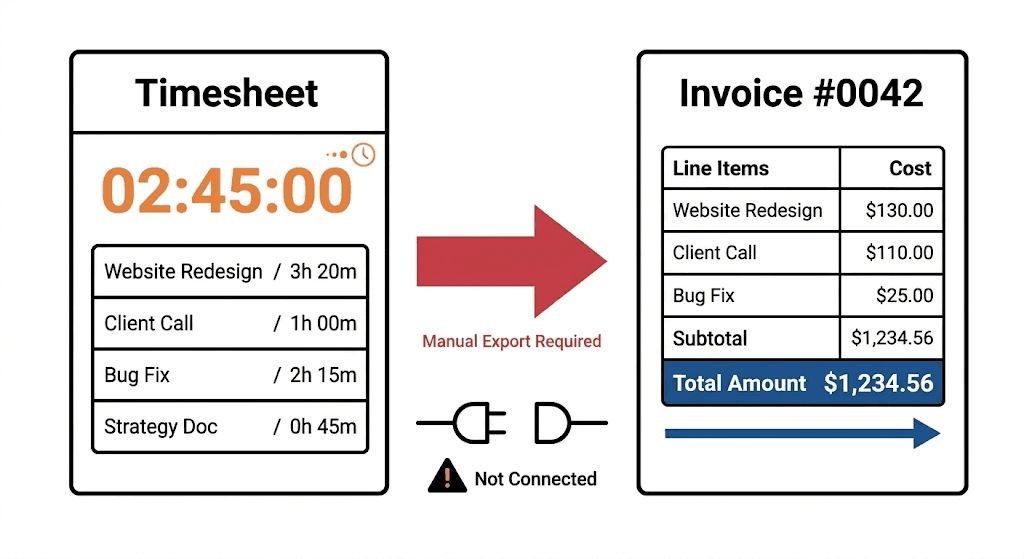
Time tracking is a core need for any team that bills clients by the hour or needs to understand how effort maps to project costs. Harvest, one of the most used tools in this category, prices its Pro plan at USD 13.75 per user per month billed monthly, with a Premium plan at USD 17.50 per user per month. It handles time tracking and invoicing well, but it operates as a standalone tool, meaning the data it captures does not connect naturally to HR, project management, or leave management without additional integrations.
For a team of 50, Harvest comes to USD 688 to USD 875 per month, covering only time and billing.
Finance and Invoicing
Xero is a popular choice for accounting and invoicing, and unlike most tools in this list, it is not priced per user. Its Growing plan starts at USD 47 per month and the Established plan at USD 80 per month, which makes the flat pricing more predictable at scale. However, businesses running Xero alongside a separate time tracking tool still face the challenge of manually connecting the two, either through integrations that require maintenance or through manual data entry. The accounting layer sits separately from the operational layer, which means finance and operations teams often do not have a complete, connected view of the business.
The Combined Total
When a business runs separate tools across project management, HR, document signing, time tracking, and invoicing, the combined monthly cost for a 50-person team can reach USD 3,000 to USD 5,000 per month. On a yearly basis, that is USD 36,000 to USD 60,000 in software spend, across platforms that do not share data and require separate onboarding, support, and maintenance.
The Hidden Costs Beyond Subscriptions
Subscription fees are only part of the picture. Every additional tool a business runs introduces operational overhead that does not appear on a billing statement.
Time spent switching between platforms adds up across the working day. Data that lives in separate systems has to be manually synced through integrations that require their own setup and ongoing maintenance. Onboarding new employees means giving access to and providing training on multiple tools rather than one. When a process needs updating, whether it is a leave policy, a billing rate, or a project template, the change often has to be made across several systems separately. And when something breaks, resolving it means troubleshooting across a fragmented ecosystem rather than in one place.
Individually, none of these are significant problems. Collectively, they represent a real drag on how efficiently a team can operate, and a real cost that never appears as a line item.
What Bringing Everything Into One Platform Looks Like in Practice
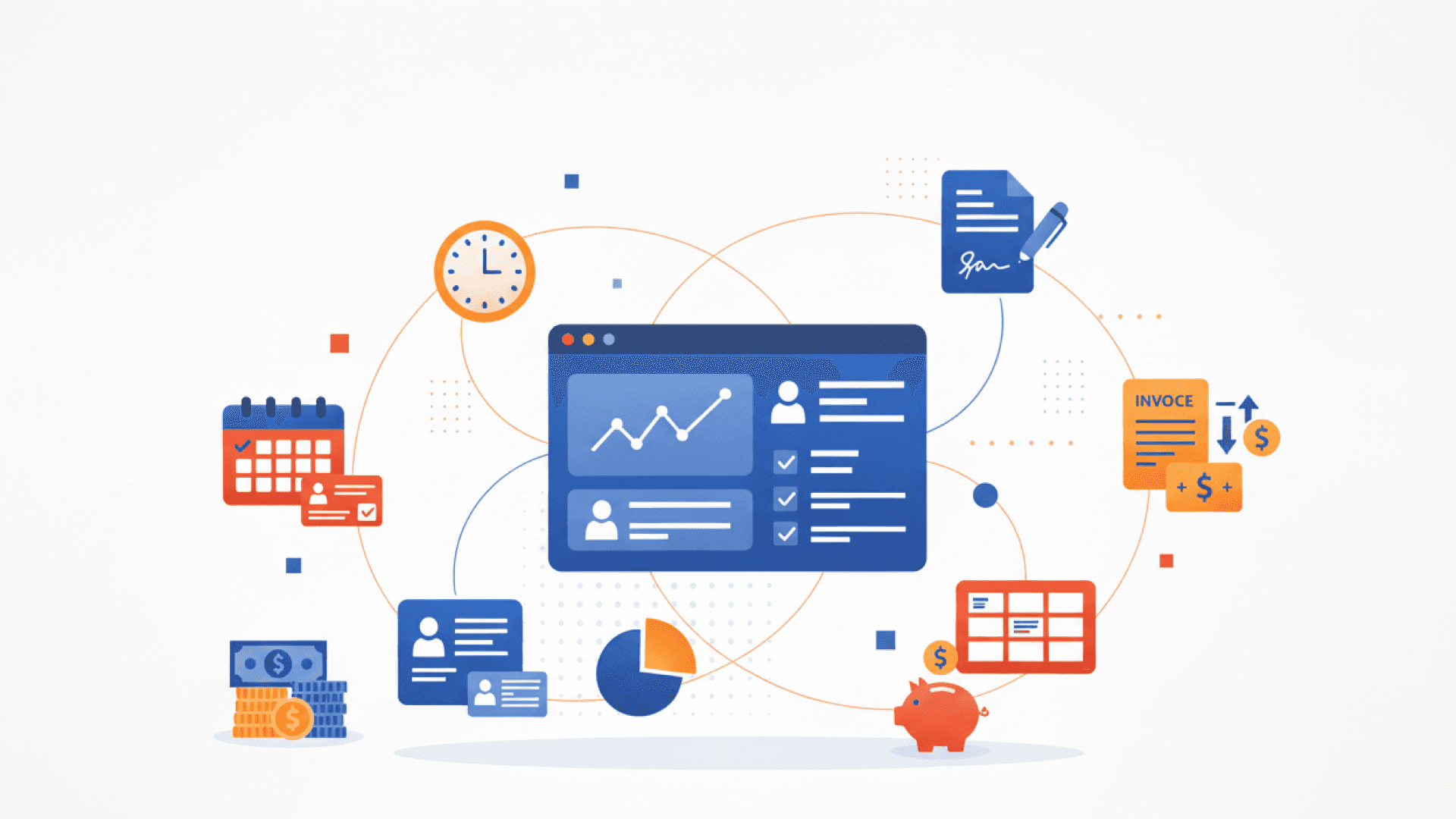
The alternative to a fragmented stack is a platform that covers multiple operational functions under a single subscription. This is the model Skapp is built on, bringing HR and people management, time tracking, leave management, project management, e-signing, and invoicing into one environment, with all modules connected so that data flows between them without manual effort.
People and HR Management
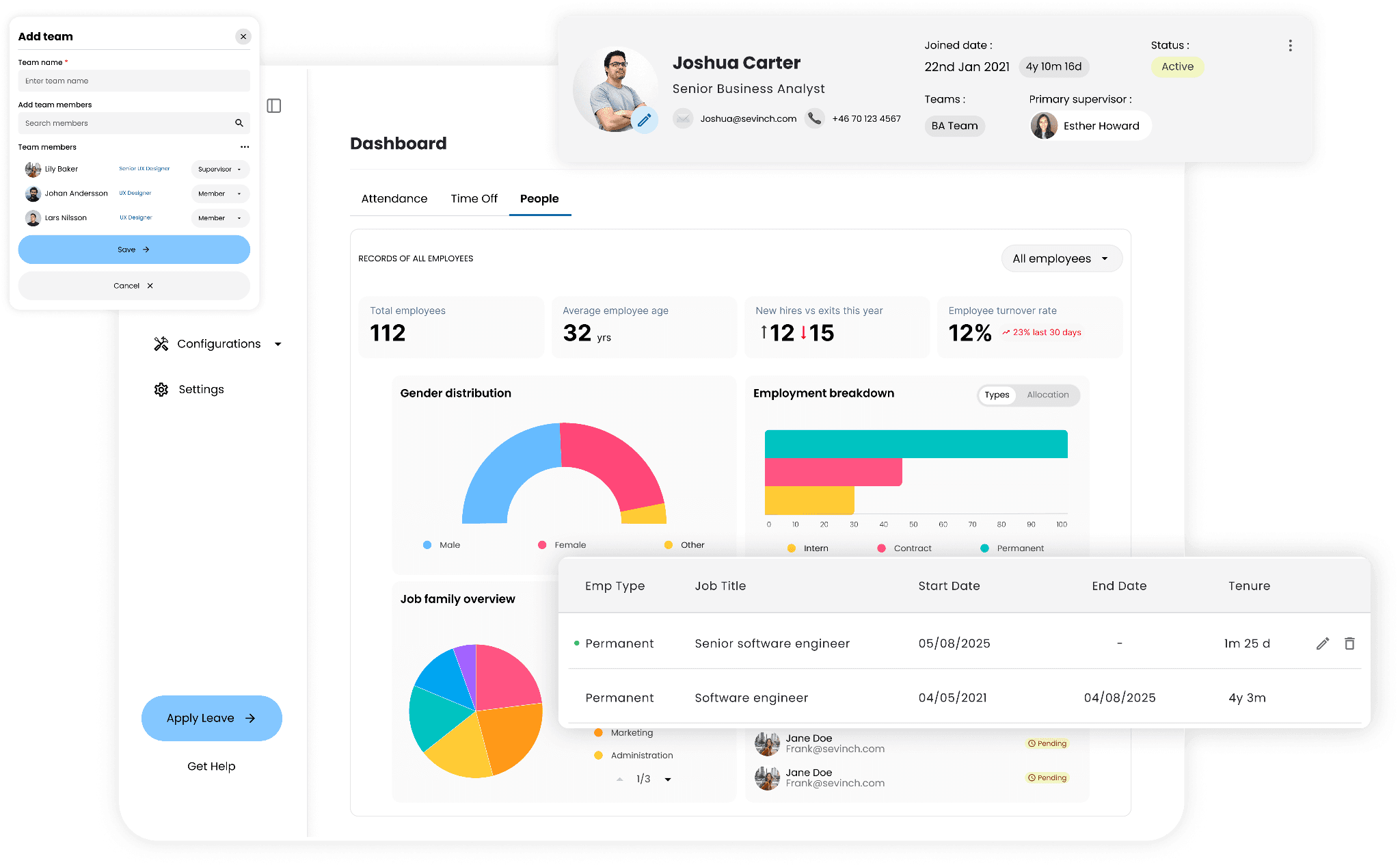
Skapp's People module gives businesses a central, searchable record for every employee, storing contact information, roles, job families, start dates, and employment history in one place. Teams can be organised by department, reporting lines updated in real time, and every role change, promotion, or milestone is logged automatically. HR always has an accurate and auditable view of the workforce without maintaining a separate HRIS.
Leave and Time Off
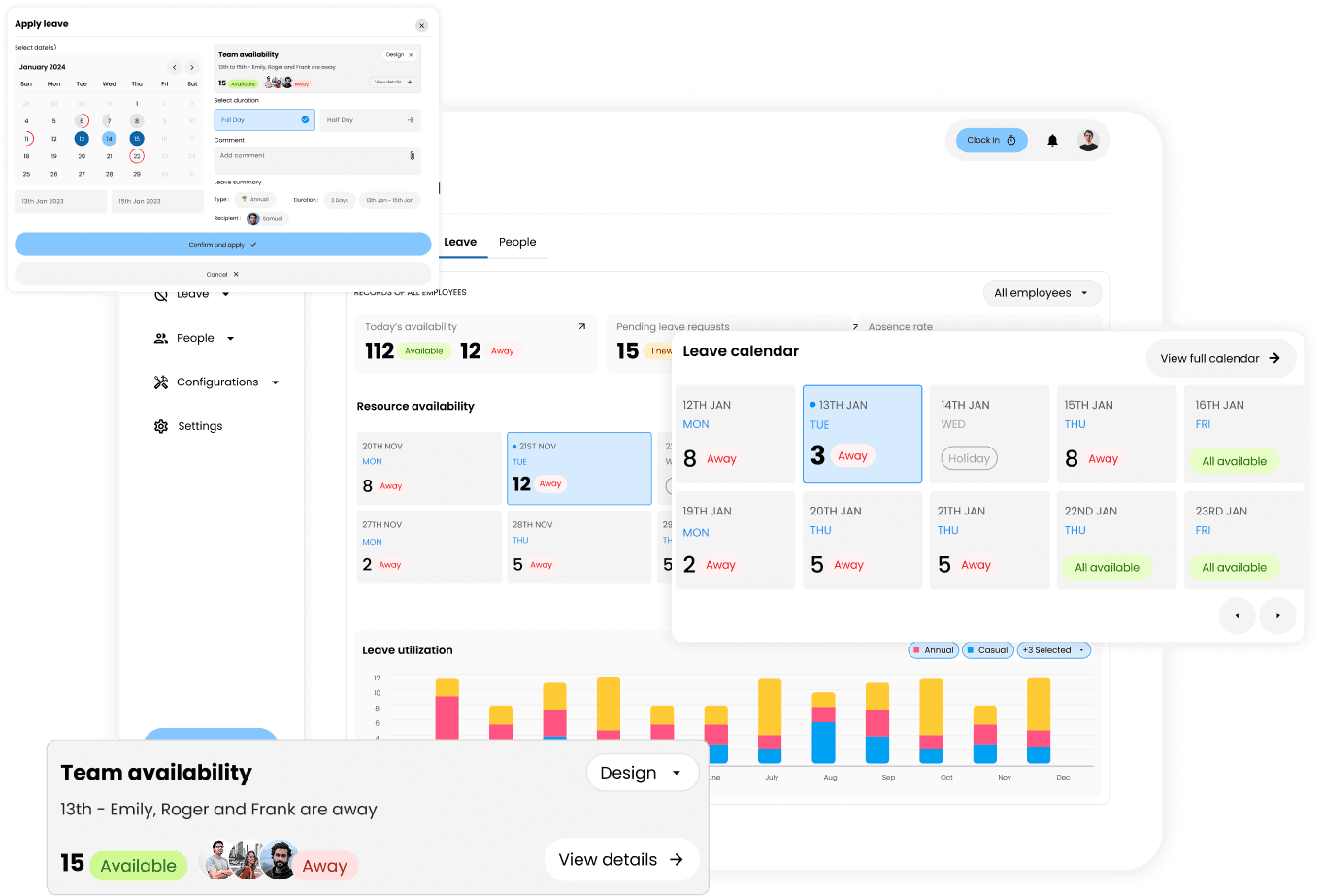
The Time Off module replaces email-based leave management with a system where employees submit requests from desktop or mobile, managers approve with a single click, and approved leave syncs automatically to team calendars. HR can track balances, monitor usage patterns, and manage entitlements centrally, with policies applied and updated automatically across the team.
Time Tracking
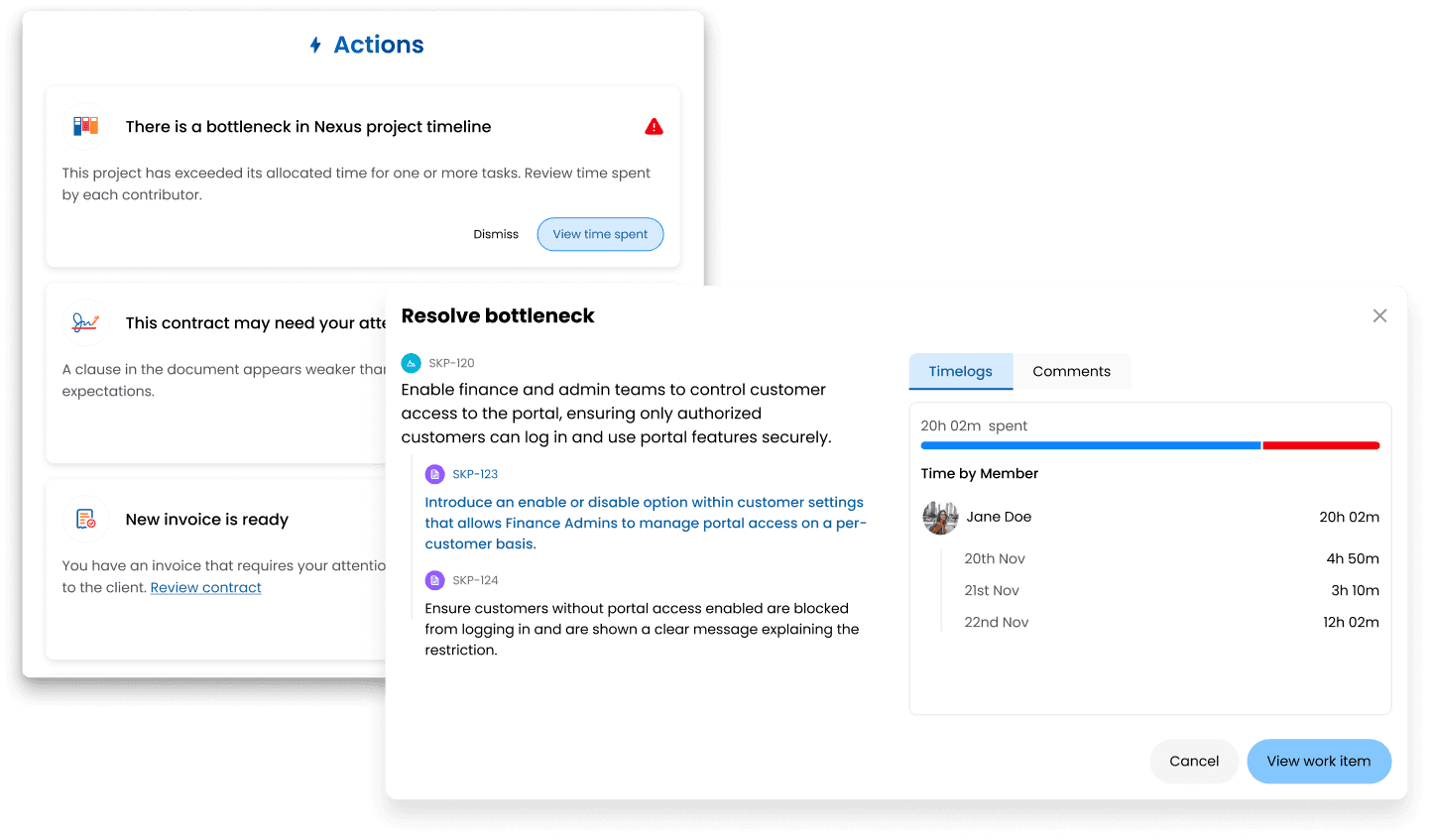
Time is tracked at the task level, with team members logging hours directly against the work they are doing. For teams managing client work, this connection between time and billing removes one of the most common sources of invoicing friction.
Project Management
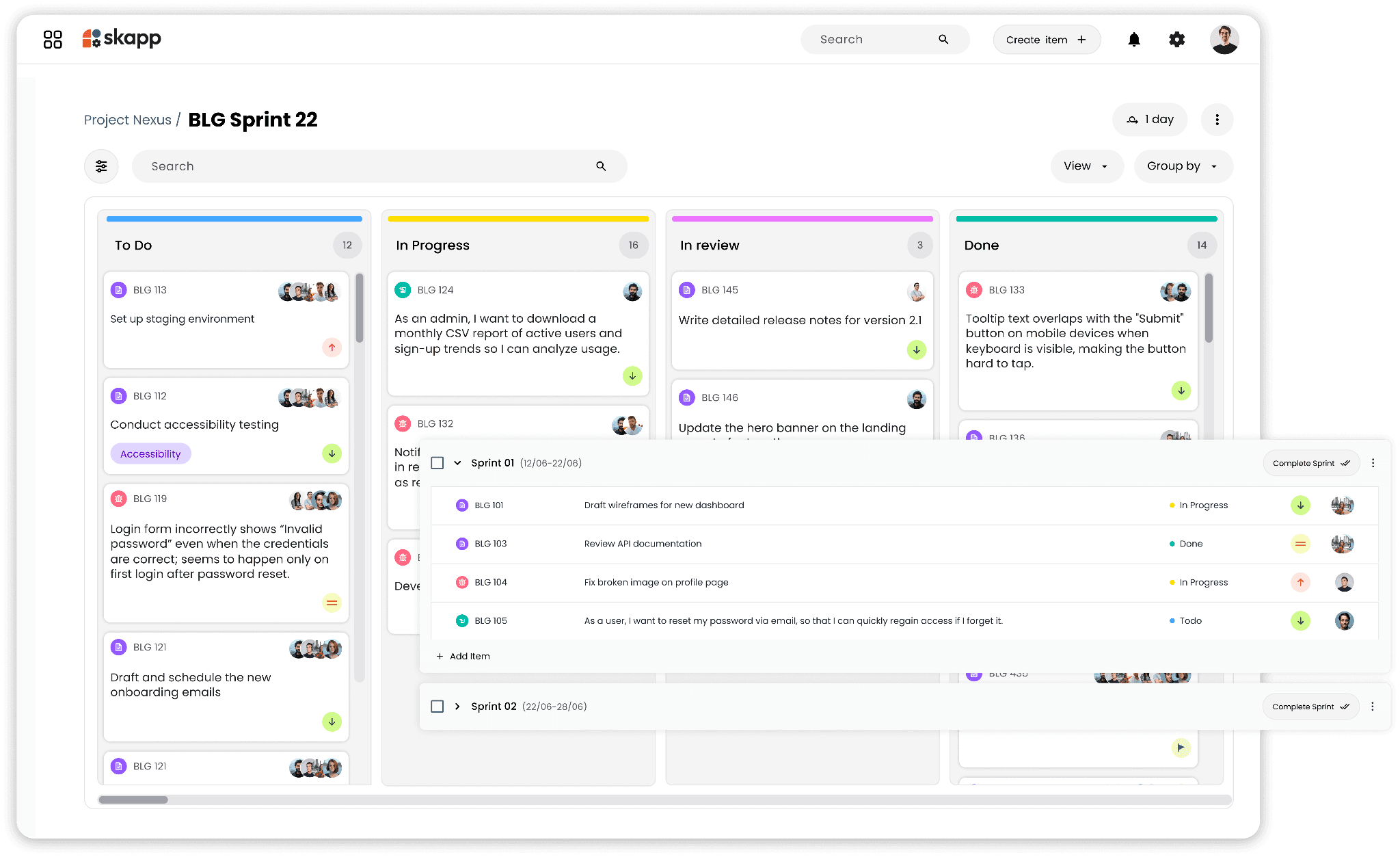
Projects are managed through flexible templates including Kanban, Scrum, and Task Tracking, with the option to build custom workflows from scratch. Tasks are assigned with clear ownership, due dates, and status tracking, and team members can communicate directly within tasks through comments and file attachments. Project reports on completion rates and team workloads are accessible from a single dashboard, and automated release notes can be generated without manual write-ups.
E-Signing
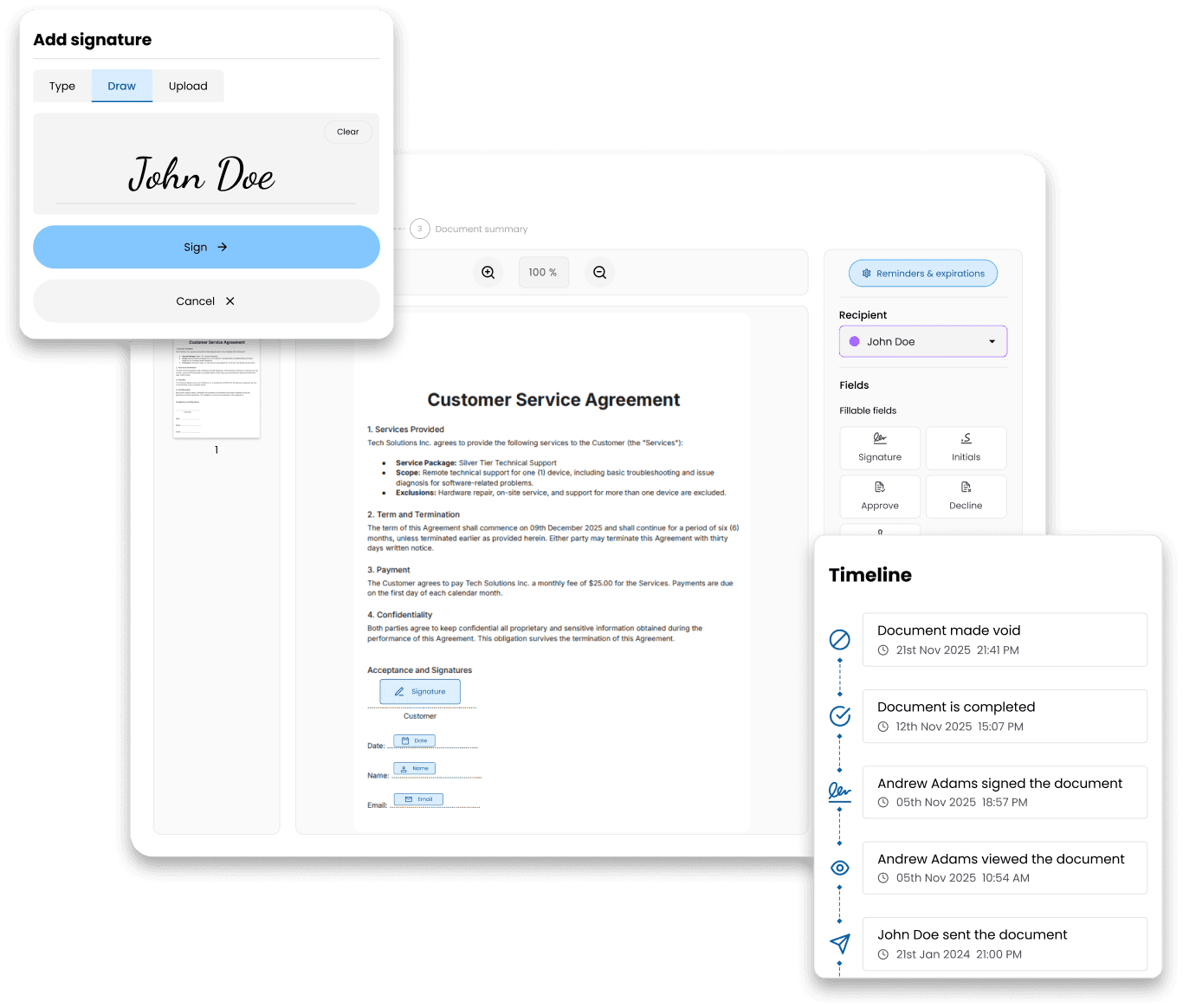
Skapp's e-signature module allows documents to be sent, signed, and stored without a separate platform. It supports sequential and parallel signing workflows, automatic reminders, link expiry dates, and bulk sending for organisation-wide documents. Signatures are compliant with eIDAS, ESIGN, and UETA, and support both Advanced Electronic Signatures and Qualified Electronic Signatures.
Invoicing
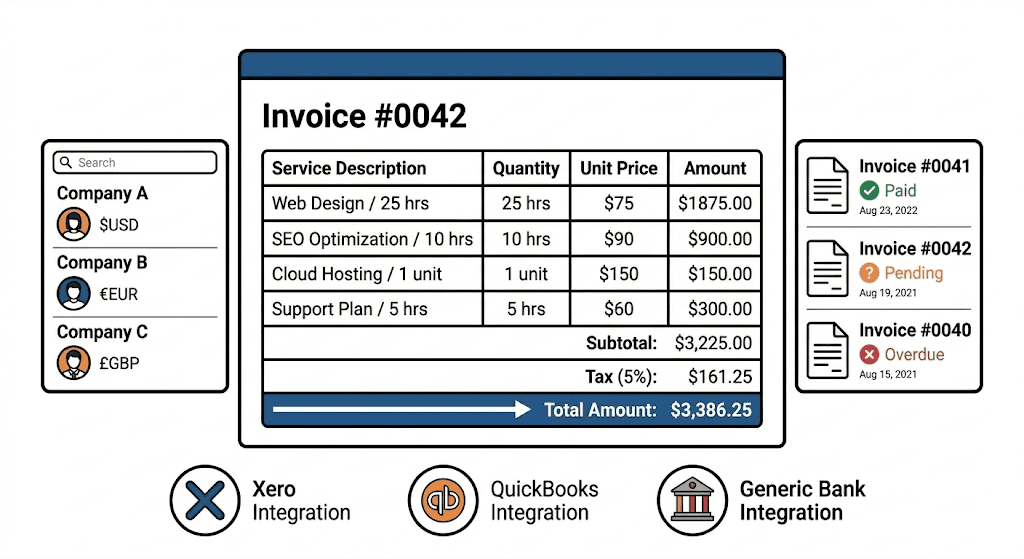
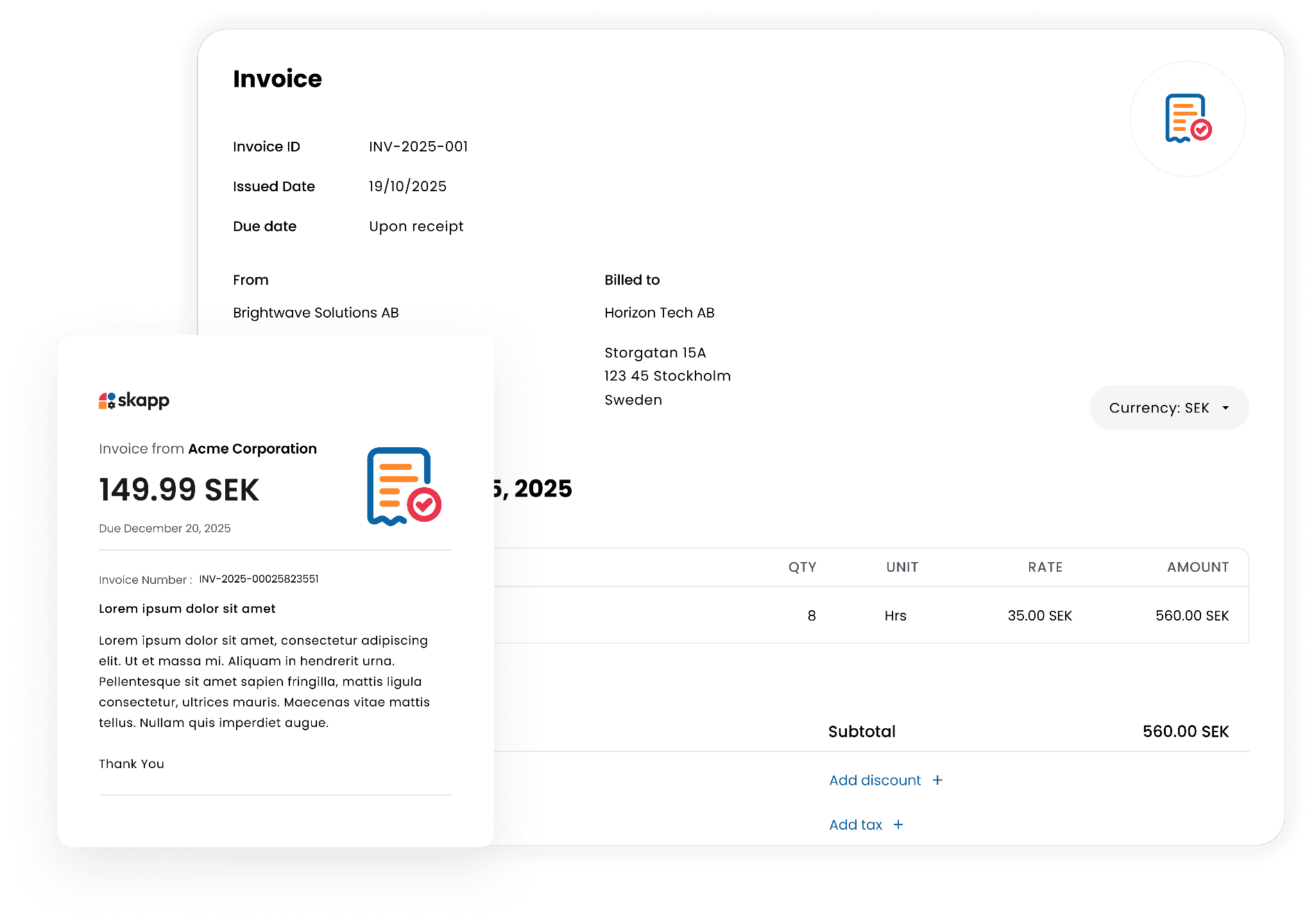
Skapp's invoicing module is built to handle the full billing workflow without switching to a separate tool. Invoices are built using a simple guided flow where you can add line items, services, hours, expenses, taxes, discounts, and payments, with Skapp calculating everything automatically. Customer details including billing information, address, currency, and references are stored in one place, and unique billable rates can be assigned per customer or project so that invoices always reflect the agreed pricing. Once sent, invoices can be tracked by status, with a clear view of what is paid, pending, or overdue.
Skapp Pricing
Skapp offers two tiers designed to match different stages of business growth.
The Free plan is available forever for up to 10 users at no cost. It includes access to all modules with core features across every category. On the people side, it covers employee profiles, team management, job families, a people directory, career progression tracking, and profile history, with one people admin and one people manager. Leave management includes entitlement management, custom leave allocation, leave type creation, carry forward, and approval workflows. Attendance covers clock in and out, timesheets, and time entry request flows. For document signing, teams can sign up to five documents per year with internal and external recipients, a contact book, and a full audit trail. Project management allows up to five open projects with list and Kanban board views, up to four project templates, five labels, and ten statuses. Invoicing on the free plan allows up to five invoices per year.
The Core plan is priced at USD 5 per user per month billed annually, or available as a monthly subscription. It includes everything in the free plan and expands significantly across all modules. People management supports unlimited users, unlimited admins and managers. Leave gains individual and team analytics, and Google and Microsoft Calendar integration. Attendance adds individual and team analytics with unlimited admins and managers. E-signatures scale to five documents per user per year with unlimited admins and senders. Project management unlocks unlimited projects, private projects, a project dashboard, releases, time logging, custom fields, eight project templates, unlimited labels and statuses, and unlimited admins and managers. Invoicing on the Core plan becomes unlimited, with record payments, customer profiles, customer-specific billable rates, custom branding, and unlimited invoice admins and managers. The Core plan also includes the Skapp mobile app for iOS and Android and limited access to Skapp AI.
Is Running Everything From One Place Right for Every Business?
It is not always the answer. Large enterprises with highly specific requirements in each operational category may need dedicated tools with deep feature sets that a single platform cannot fully replicate. Teams already embedded in a particular ecosystem may also face switching costs that need to be weighed carefully.
But for growing businesses and mid-sized teams managing a collection of tools that do not connect well, the cost of the current approach is worth examining honestly. The subscription fees are visible. The operational overhead is less visible but just as real. For many teams, the case for running everything from one place is less about features and more about what it costs to keep running things the way they have always been run.
What does Skapp's free plan include?
The free plan supports up to 10 users at no cost with access to all modules, covering people management, leave and attendance tracking, up to five open projects, and up to five document signatures per year with audit trails.
What does the Core plan add over the free plan?
The Core plan unlocks unlimited users and projects, team and individual analytics, private projects, time logging, custom fields, unlimited invoicing with customer profiles and billable rates, custom branding, Google and Microsoft Calendar integration, the Skapp mobile app, and limited access to Skapp AI, all at USD 5 per user per month.
How much can a business save by switching to Skapp?
Running separate tools for project management, HR, e-signing, time tracking, and invoicing can cost several thousand dollars per month depending on team size. Skapp brings all of these functions under a single subscription at USD 5 per user per month, which for most teams represents a significant reduction in overall software spend.
Does Skapp replace tools like DocuSign or BambooHR?
For most business use cases, yes. Skapp covers document signing, HR and people management, leave tracking, time tracking, project management, and invoicing in one platform. Teams with highly specialised requirements in any one area should verify whether Skapp's depth in that module meets their specific needs.